
1. Upload
Add photos from your phone or computer. They stay private to your account.
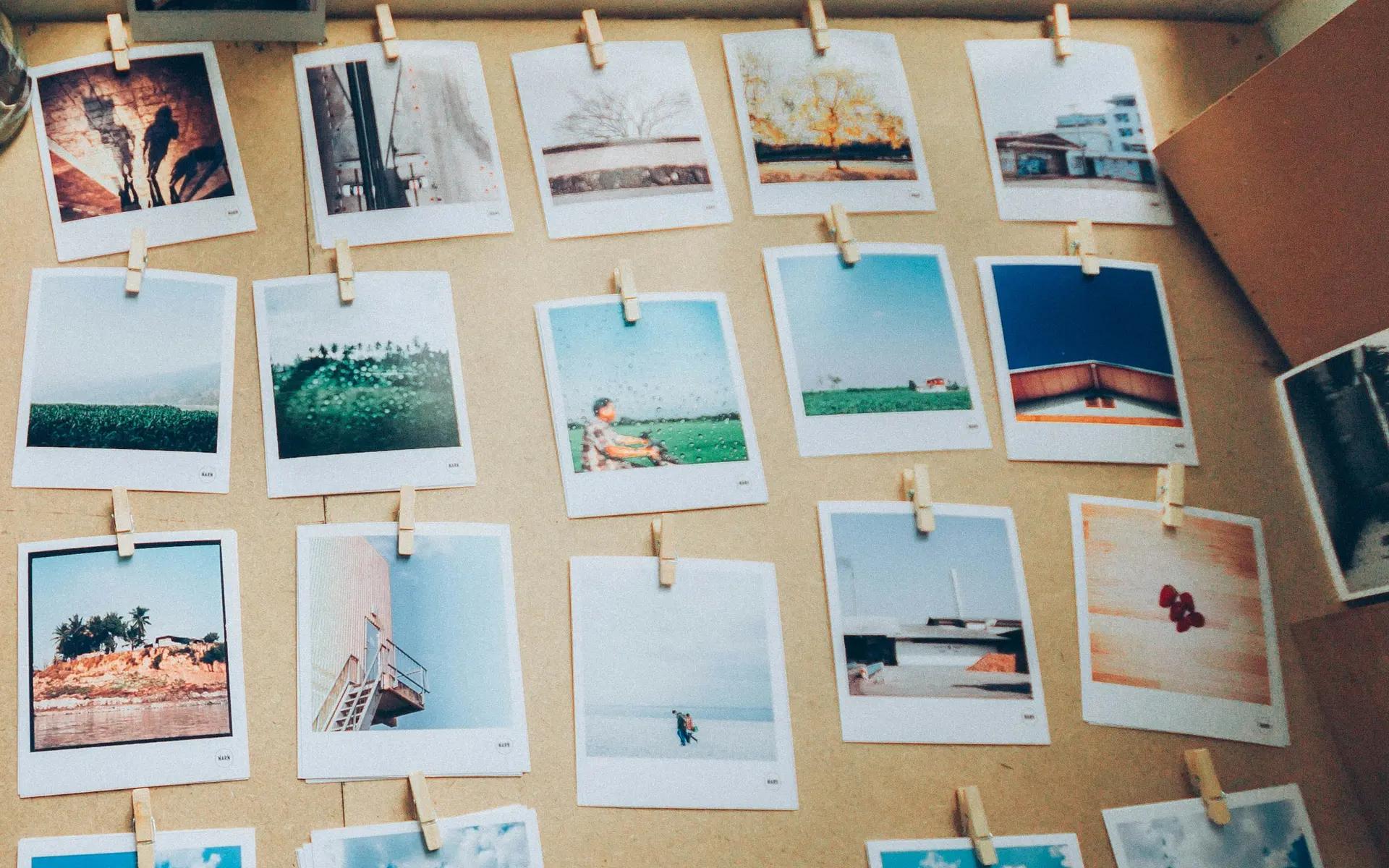
Photo printing in Cebu
Upload your photos, fix them in the free online editor, and order prints on glossy, matte or sticker photo paper. Prints start at PHP 6, with pickup in Cebu or delivery across the Philippines.
Price list
Price per print. Glossy and matte cost the same. Orders start at PHP 150.
| Size | Dimensions | Photo paper | Sticker photo paper |
|---|---|---|---|
| Wallet | 2 x 3 in (51 x 76 mm) | PHP 6 | PHP 8 |
| 3R | 3.5 x 5 in (89 x 127 mm) | PHP 12 | PHP 15 |
| 4R Popular | 4 x 6 in (102 x 152 mm) | PHP 15 | PHP 19 |
| 5R | 5 x 7 in (127 x 178 mm) | PHP 23 | PHP 29 |
| 6R | 6 x 8 in (152 x 203 mm) | PHP 39 | PHP 49 |
| A5 | 5.8 x 8.3 in (148 x 210 mm) | PHP 40 | PHP 50 |
| 8R | 8 x 10 in (203 x 254 mm) | PHP 55 | PHP 69 |
| A4 Popular | 8.3 x 11.7 in (210 x 297 mm) | PHP 60 | PHP 75 |
5% off
when you order 20 or more prints, in any mix of sizes
10% off
when you order 50 or more prints, in any mix of sizes
15% off
when you order 100 or more prints, in any mix of sizes
How it works
Add photos from your phone or computer. They stay private to your account.
Crop to size, adjust colour, remove or replace the background, and add text.
Pick a size, glossy or matte finish, and photo paper or sticker photo paper for every photo.
Pay online, then collect in Cebu or have your prints delivered.
Free photo editor
AI cuts out the person or product in seconds while keeping full print resolution.
Use a solid colour for ID and passport photos, a decorative pattern, an AI scene, or your own photo.
Names, dates, greetings and captions in several fonts, placed exactly where you want them.
The preview matches the print size, so nothing important is cut off.
Standard 230 gsm photo paper for albums and frames.
Self-adhesive photo paper for labels, journals and giveaways.
Vivid colour and deep contrast.
Soft, glare-free and fingerprint resistant.
Need a size or paper that is not listed? Contact the team.
Prints start at PHP 6 for wallet size. A 4R (4 x 6 in) print is PHP 15 and an A4 print is PHP 60 on photo paper. Sticker photo paper costs slightly more. Orders start at PHP 150, and orders of 20 or more prints get a volume discount.
You can order Wallet, 3R, 4R, 5R, 6R, A5, 8R, A4. A4 (210 x 297 mm) is the largest size.
Glossy gives vivid colour and deep contrast. Matte is soft, glare-free and resists fingerprints. Sticker photo paper is self-adhesive photo paper for labels, journals, giveaways and product stickers, available in glossy or matte.
Yes. The online photo studio can remove the background and replace it with a solid colour, such as white or blue for ID photos, a decorative pattern, an AI-generated scene, or another photo from your library.
Yes. Add names, dates, greetings or captions in several fonts and colours, then drag the text into place. What you see in the preview is what is printed.
Upload the original JPG, PNG or WEBP from your phone or camera, up to 25 MB. For A4, an image of about 2480 x 3508 pixels prints at full quality. The studio warns you when a photo is too small for the chosen size.
Yes. Photos are stored privately in your account and are never shown publicly. Location data embedded by your camera is removed on upload. You can delete photos from your library at any time.
Pay online with the available payment methods at checkout, including e-wallet and QR options. Choose pickup in Cebu, local delivery, or courier shipping anywhere in the Philippines.
Create a free account, upload your photos and order in minutes.